To prevent possible breaches and adhere to industry standards, it is essential to select a point-of-sale provider that places a high priority on data security.

This is a demo store for testing purposes — no orders shall be fulfilled. Dismiss
Skip to content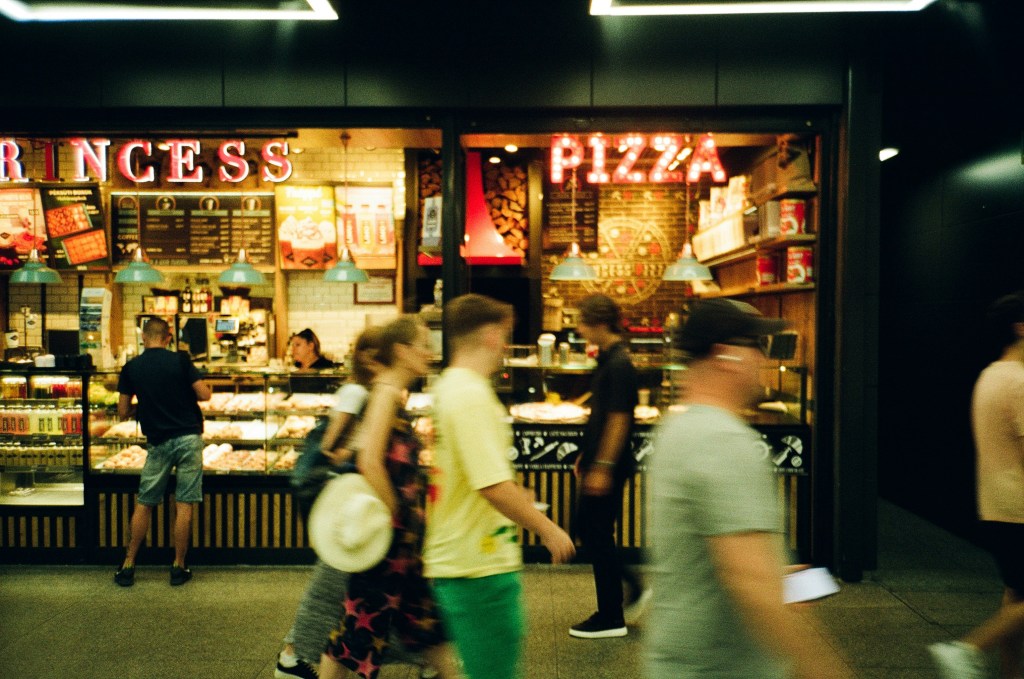
No matter your menu or dining room size, Takeout has the capability to give you control over your business with ease. Seat more, sell more, and do it your way.
You need a fast-operating solution for your fast-paced business environment. Deliver amazing service at an amazing pace with Takeout POS & Payments.
Drink Menus, Bar Food, and even Wine Menus can be handled with precision and simplicity simultaneously. Takeout has your back so you can focus on turning over those seats.
Sandwich Shops are at the heart of Quick Lunches. You need a versatile solution that is flexible to make any lunch combo without compromising accuracy and versatility. With Takeout, custom toppings and order modifications are a breeze.
From custom drinks to house specials- Redeyes to Americanos, you can count on Takeout to supply you with the necessary features to keep your coffee selling hot and fresh. Extra ingredients in your lattes? No worries! No limits to espresso shots? Takeout has you convered.
Speed and Location is the name of the Food Truck game- Takeout keeps you selling fast so you can focus on the important things to maximize your profitability. No more pile-ups at the window because of inferior ordering capabilities. Payments, ticket modifications, or whatever your challenges might be, Takeout can handle it!
Designed to meet the specific needs of restaurants across the United States, Takeout POS is a comprehensive, full-service restaurant solution that streamlines every aspect of the visitor experience, from handling split checks and custom orders to managing reservations and multi-course pacing. Your staff can work more productively and serve with accuracy thanks to advanced applications for table management, tipping, and server performance. It provides outstanding hospitality and keeps guests coming back with an integrated CRM for individualized service and loyalty features.
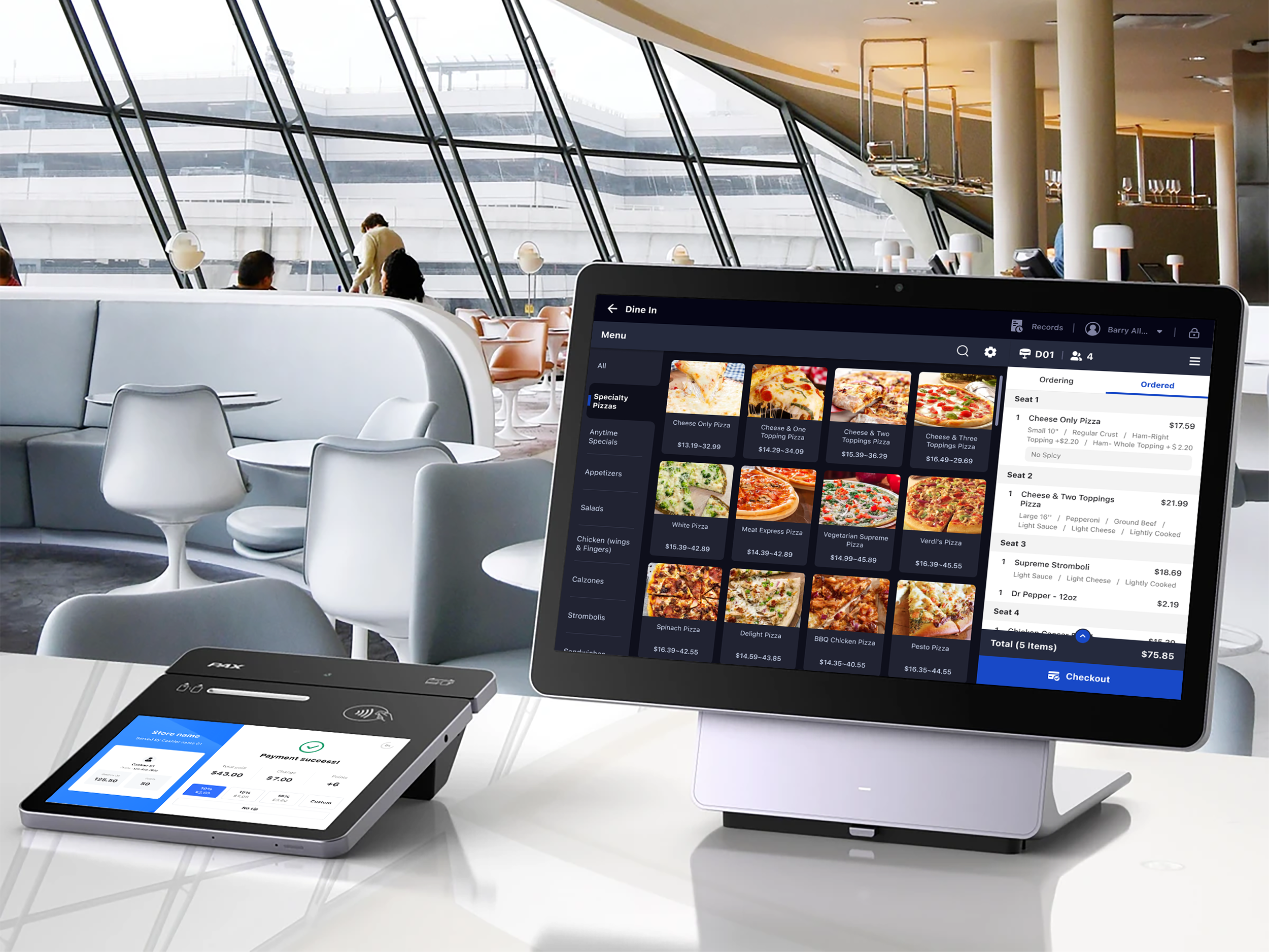

With Takeout POS, designed especially to meet the fast-paced requirements of Quick Service Restaurants (QSRs), you can provide high-speed, efficient service. To keep lines moving and customers happy, our cutting-edge POS system enables lightning-fast order entry, seamless kitchen communication, and rapid payment processing. QSR operators across the USA can serve more customers, reduce wait times, and increase profitability with Takeout’s easy-to-use touchscreen ordering, integrated drive-thru and takeout support, and real-time reporting features—all within a straightforward, scalable solution.
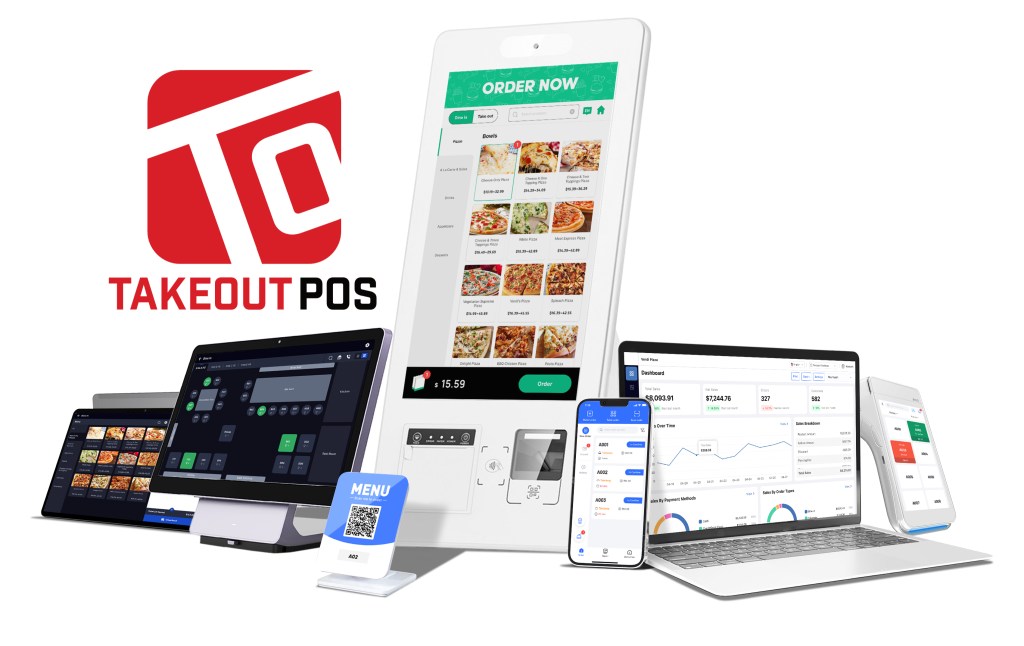
At TakeOut POS, we understand that one size doesn’t fit all. That’s why we offer custom-curated hardware packages featuring top-of-the-line equipment like Dejavoo Terminals and Sunmi Cloud Printers. We handle the setup and configuration, so your system arrives ready to go, built for the unique needs of your business. This ensures seamless integration and reliable performance from day one, allowing you to focus on your customers. Run up to 3 terminals for just $20/month, and only $10/month for each additional terminal, keeping your operational costs low and predictable.

Optimize kitchen workflows, food quality, and speed of service. Prioritize color-coded orders and updates from your POS system, website, and mobile apps in real time.
Achieve 100% order accuracy through Takeout KDS. For seamless communication, new orders will be notified via an alert sound on the KDS.
Pace the meal perfectly by giving your expo visibility into order status across all prep stations throughout the restaurant.
It allows you to route your tickets to a specific kitchen screen, helping you improve the efficiency of your restaurant operations.
Add customer notes to the ticket and display them for 100% order accuracy. Cook what your guest wants with KDS.

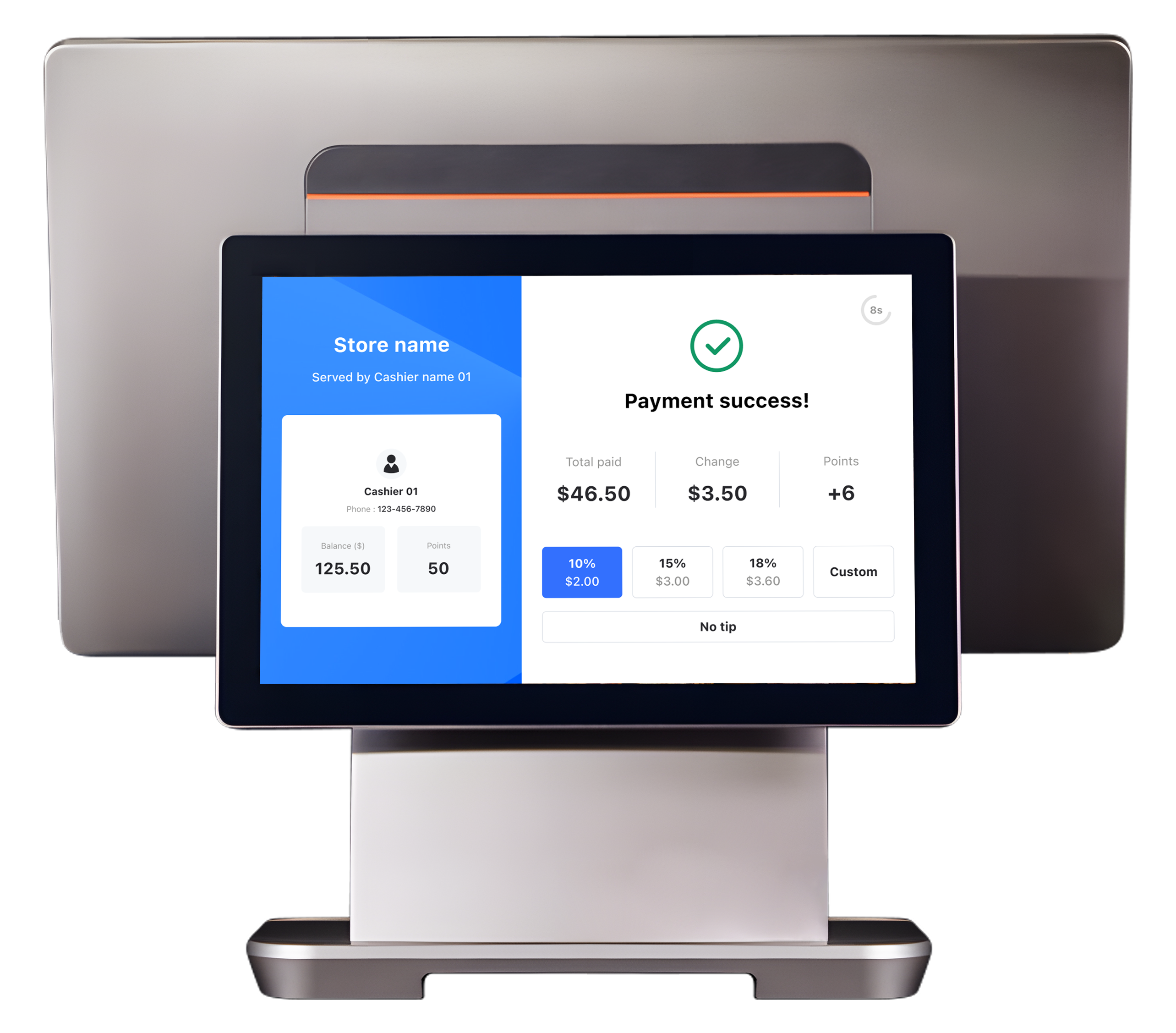
Enhance your business with Takeout Customer Display Systems. Speed up orders, reduce errors, and engage customers. Perfect for restaurants and retail stores.
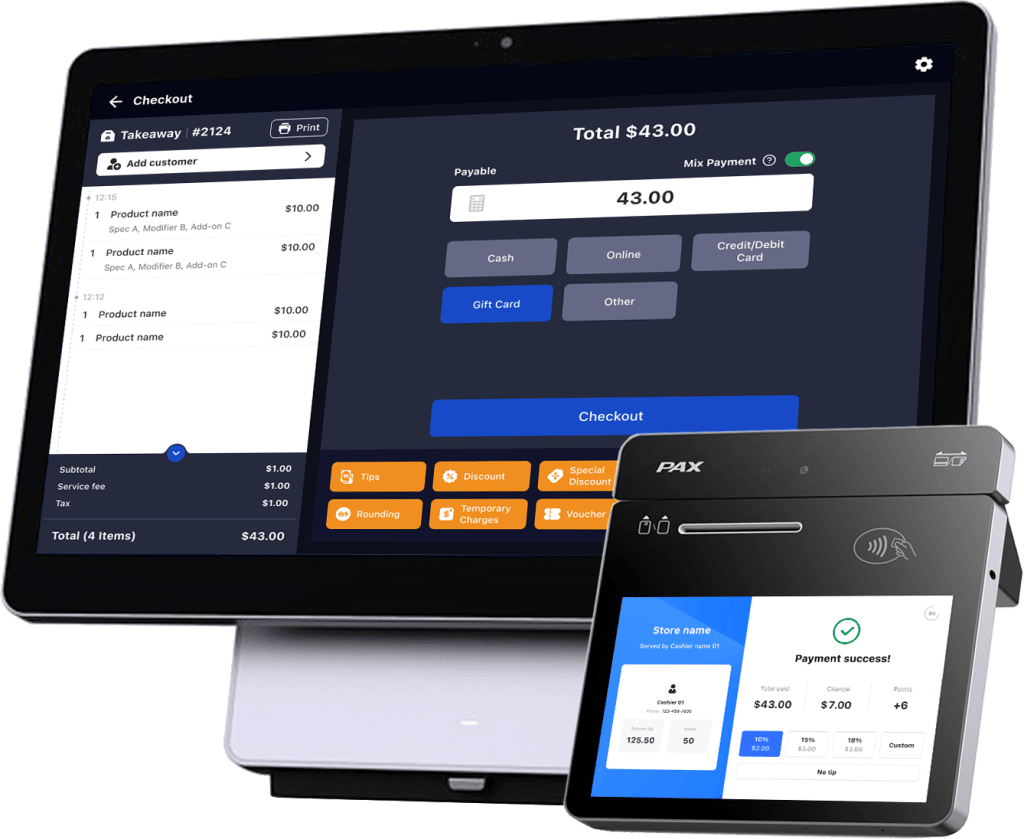
Book a demo with one of our specialists and see how we can customize a system to fit your business
A POS (point of sale) system is a tech platform that consists of both software and hardware and acts as the hub for managing restaurant operations.
It makes it easier to take orders, process payments, manage inventory, and create reports, among other things.
Cash registers that recorded transactions and printed receipts were the only POS systems in use at the time.
But as technology has advanced, modern restaurant point-of-sale (POS) systems have developed into all-inclusive management tools that facilitate different facets of managing a food service enterprise.
Restaurant POS
Order Management and Table Management:
Enables servers to keep track of orders by table, assign tables, and ensure precise order routing to the kitchen.
Supports course management and split bills, both of which are critical for restaurants.
Menu Customization and Modifiers:
Manages complicated menus with customised choices (such as dietary restrictions or substitutions) and add-ons like “extra cheese” or “no onions.”
Makes it simple to update the menu or add seasonal specials.
Retail POS
Product Scanning and Barcode Management:
Focuses on using barcodes and RFID to scan products to process sales transactions in the retail industry.
Perfect for businesses that have a lot of products in stock that need to be tracked and sold fast.
Inventory Management and Stock Tracking:
Includes powerful tools for ordering products again, managing inventory levels, and avoiding stockouts or overstocking.
Gives information on product sales trends to minimise waste and maximise stock levels.
When selecting a POS, consider the features that best support the specific needs of your restaurant. Look for these essential features:
1. Easy-to-Use Interface
2. Order and Table Management
3. Online Ordering and Delivery Integration
4. Inventory Control
5. Employee Scheduling and Payroll Support
6. Real-Time Sales Reporting
Yes, you can use our POS with built-in delivery and takeaway features, or integrate it with third-party delivery platforms. This enables more effective tracking of off-premise sales, reduces errors, and streamlines operations.
The size of your business and the features you require will determine how much a restaurant pos system costs.
Pricing for restaurants of all sizes is intended to be flexible and reasonably priced with Quantic POS. In general, you can anticipate:
Additionally, Takeout POS provides several customizable features that allow you to only pay for what you require, making it an affordable option for both small and large restaurant chains.
To prevent possible breaches and adhere to industry standards, it is essential to select a point-of-sale provider that places a high priority on data security.
In recent years, the development of user-friendly interfaces and the availability of numerous support resources have made it simpler to train employees on new POS systems.
The majority of modern point-of-sale systems are made to be as simple as possible, but the complexity and support options of the system can also affect how easy it is to learn. What to look for is as follows:
1. Intuitive Interfaces and Ease of Use
2. Training Modules and Resources
3. Customer Support and Assistance
4. Easy to Learn for Different Staff Roles
For any restaurant to run smoothly, a trustworthy point-of-sale system is essential.
It is a complete tool that enhances many facets of your business, not just payment processing.
The following are the primary reasons why a POS system is essential:
1. Reduce Errors and Improve Accuracy
2. Speed Up Service
3. Provide Detailed Sales Insights
4. Enhance Customer Experience
White Glove customer service sets us apart from the call center crowd.
We don't charge individual software fees, only a flat rate fee associated with your service.
We include an online store site with your software package, no need to hire a designer.
Use your system with the software you want with Takeout POS- keep your freedom.